In today’s digital era, Facebook advertising has become one of the most powerful tools for businesses, entrepreneurs, and digital marketers. If you are wondering how to run Facebook ads or want to learn the complete process of uploading ads on Facebook, this guide will walk you through everything step by step.
Facebook, now part of Meta, allows advertisers to reach billions of users across Facebook, Instagram, Messenger, and Audience Network. Understanding how to run Facebook ads correctly can help you generate leads, boost sales, increase brand awareness, and grow your business faster than traditional marketing methods.
🔍 What Are Facebook Ads?
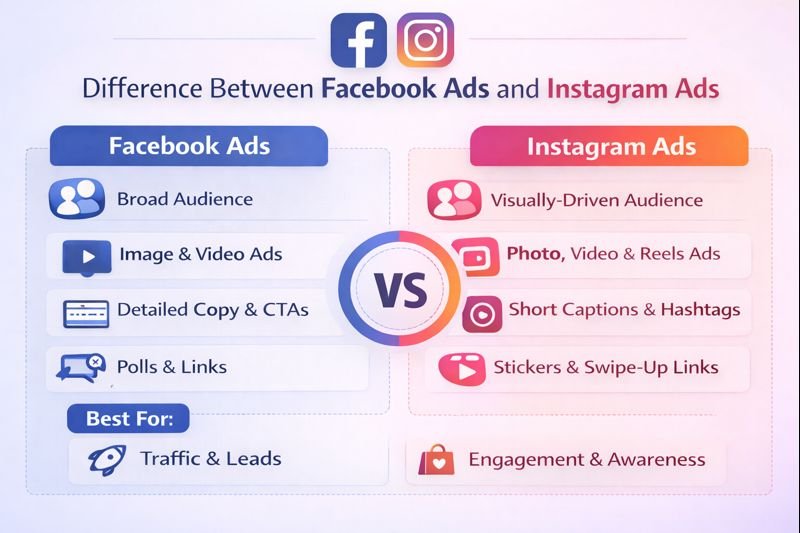
Facebook Ads are paid advertisements that appear across Meta platforms such as Facebook, Instagram, Messenger, and partner apps. These ads are created and managed through Meta Ads Manager.
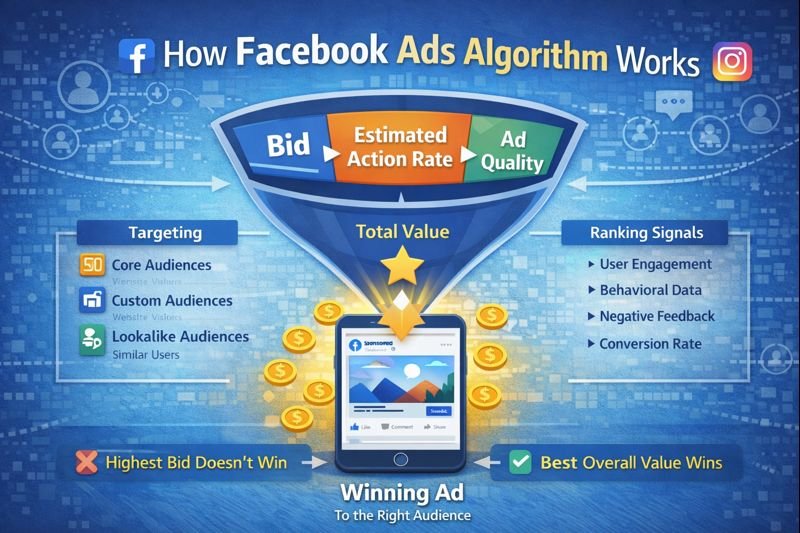
When learning how to run Facebook ads, it is important to understand that Facebook uses user data like interests, behavior, demographics, and online activity to show ads to the most relevant audience.
🎯 Why Learning How to Run Facebook Ads Is Important
Here are key reasons why businesses invest in Facebook advertising:
- Massive user base (3+ billion users)
- Advanced audience targeting
- Cost-effective advertising
- Real-time performance tracking
- Multiple ad formats (image, video, carousel, lead ads)
Knowing how to run Facebook ads properly ensures you don’t waste budget and achieve better ROI.
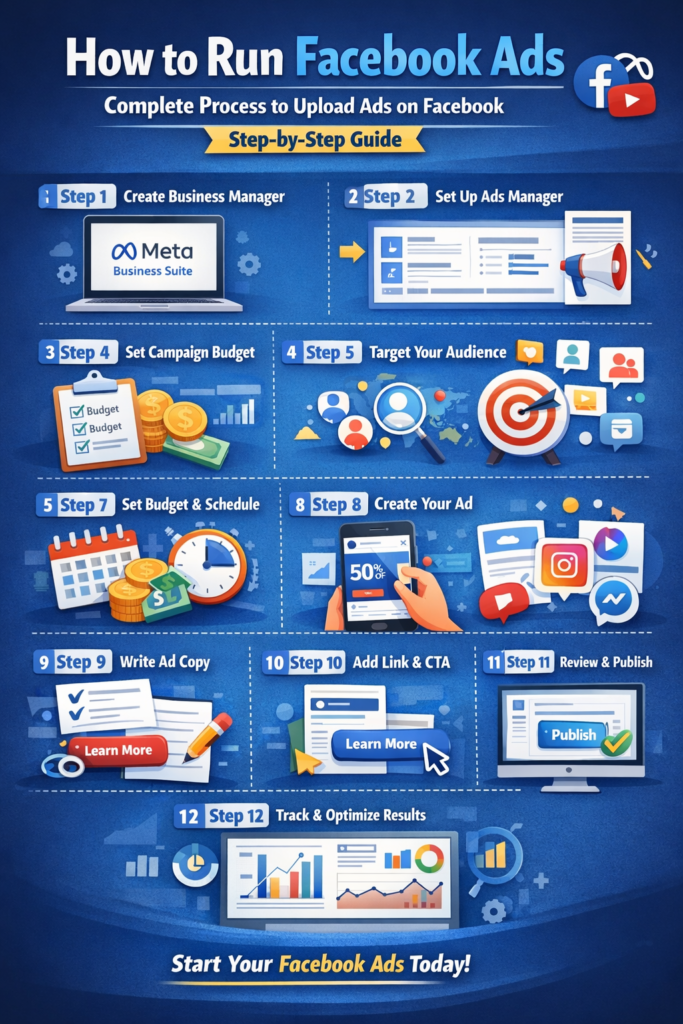
🧩 How to Run Facebook Ads: Complete Process Overview
The Facebook advertising process follows three main levels:
- Campaign Level
- Ad Set Level
- Ad Level
Each level plays a crucial role in determining your ad’s success.
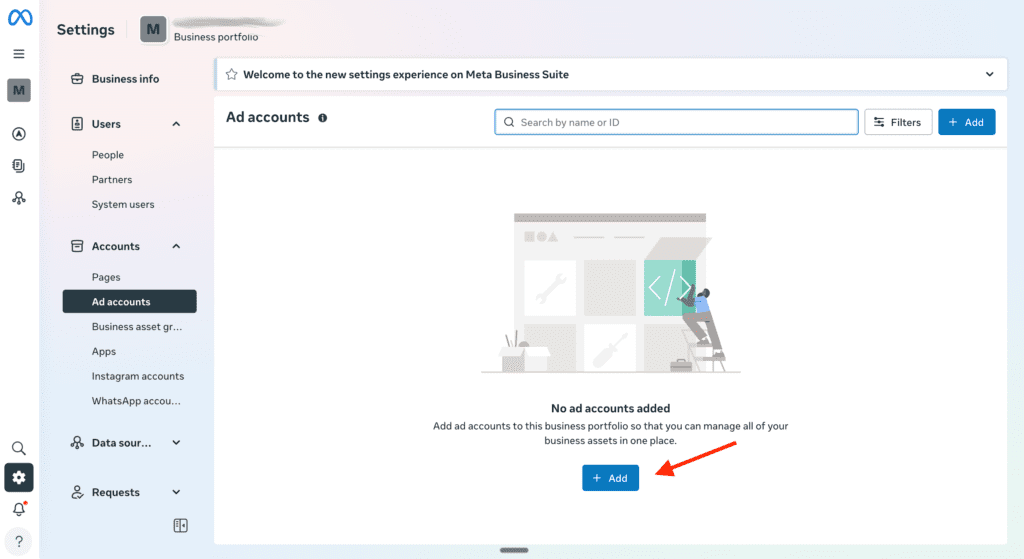
🛠 Step 1: Create a Facebook Business Manager Account
Before you upload ads on Facebook, you must create a Meta Business Manager account.
Steps:
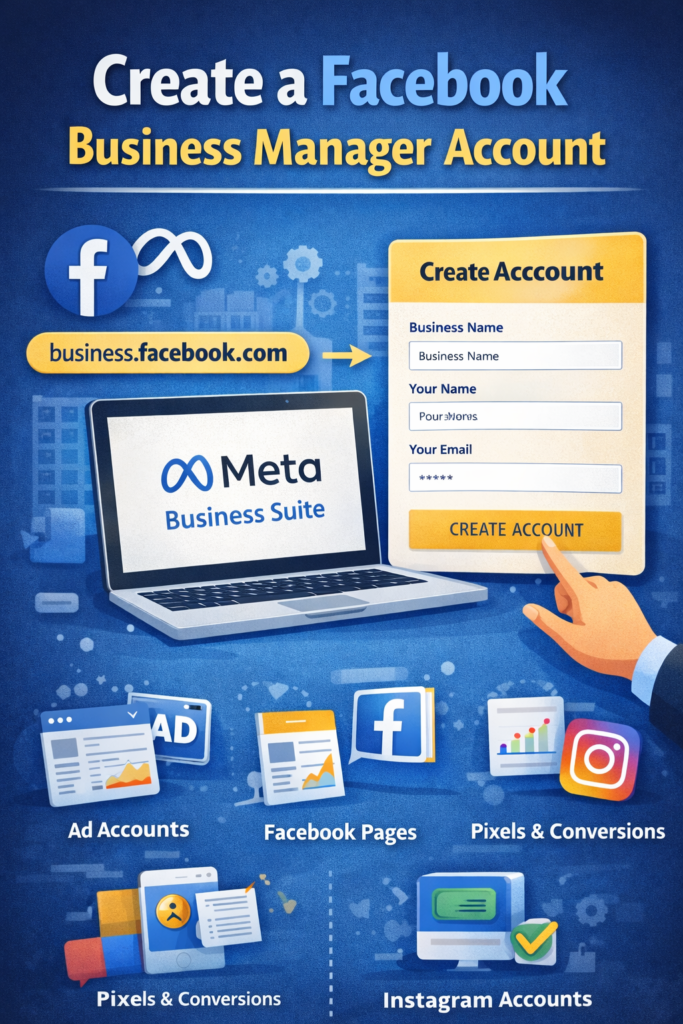
- Visit 👉 https://business.facebook.com
- Log in with your Facebook profile
- Click Create Account
- Enter business name, email, and details
Business Manager allows you to manage:
- Ad accounts
- Facebook pages
- Instagram accounts
- Pixels and conversions
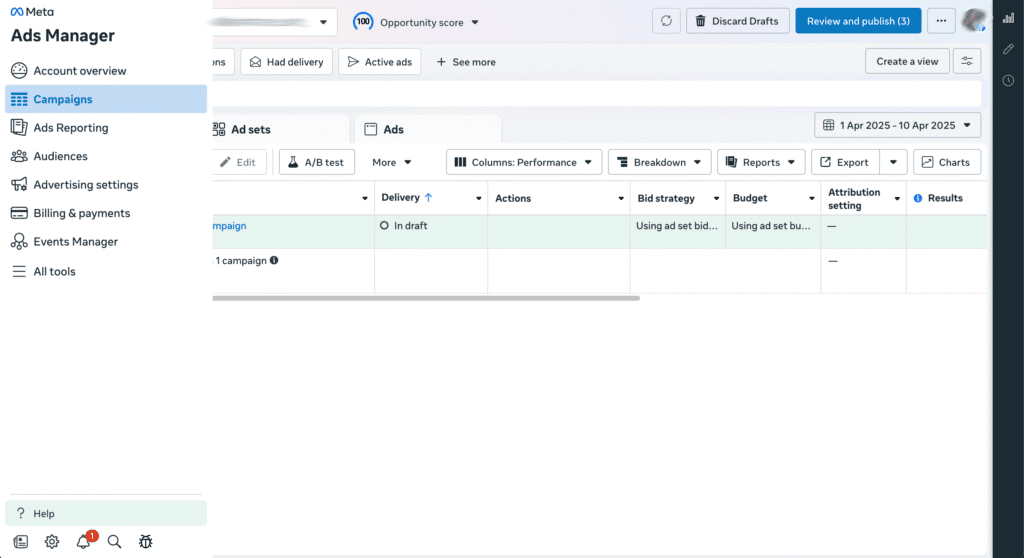
🛠 Step 2: Set Up Meta Ads Manager
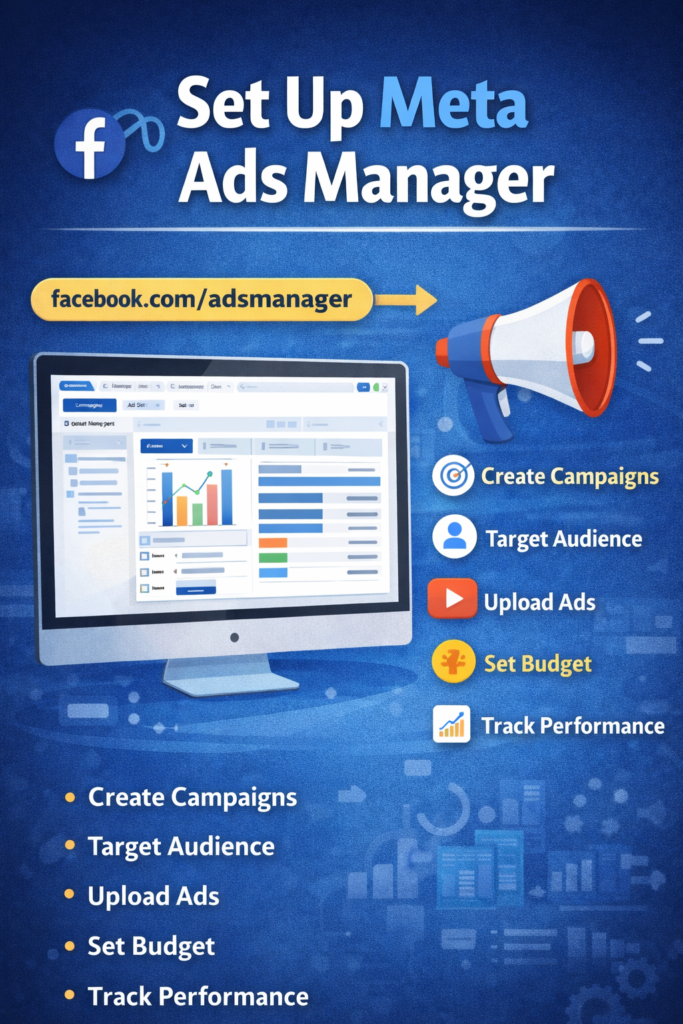
Meta Ads Manager is where the real process of how to run Facebook ads begins.
Inside Ads Manager, you can:
- Create campaigns
- Set budgets
- Target audiences
- Upload ad creatives
- Track performance
🎯 Step 3: Choose Your Campaign Objective (Campaign Level)
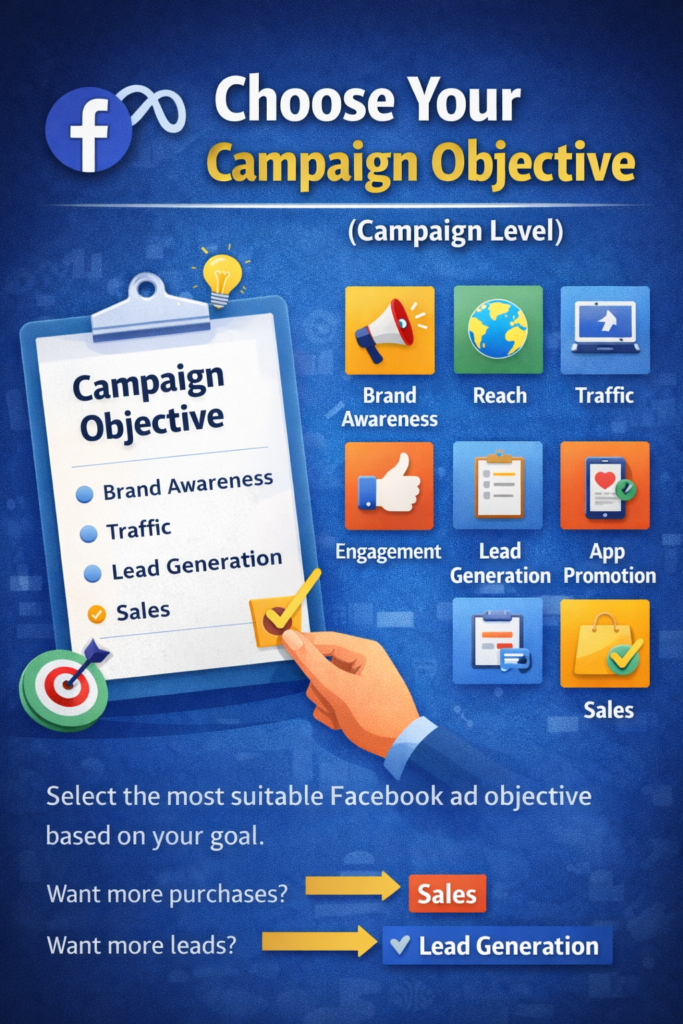
At the campaign level, Facebook asks what is your goal?
Common Facebook Ad Objectives:
- Brand Awareness
- Reach
- Traffic
- Engagement
- Lead Generation
- App Promotion
- Sales (Conversions)
📌 Example:
If you want website purchases → choose Sales
If you want leads → choose Lead Generation
Selecting the correct objective is essential when learning how to run Facebook ads effectively.
⚙ Step 4: Set Campaign Settings
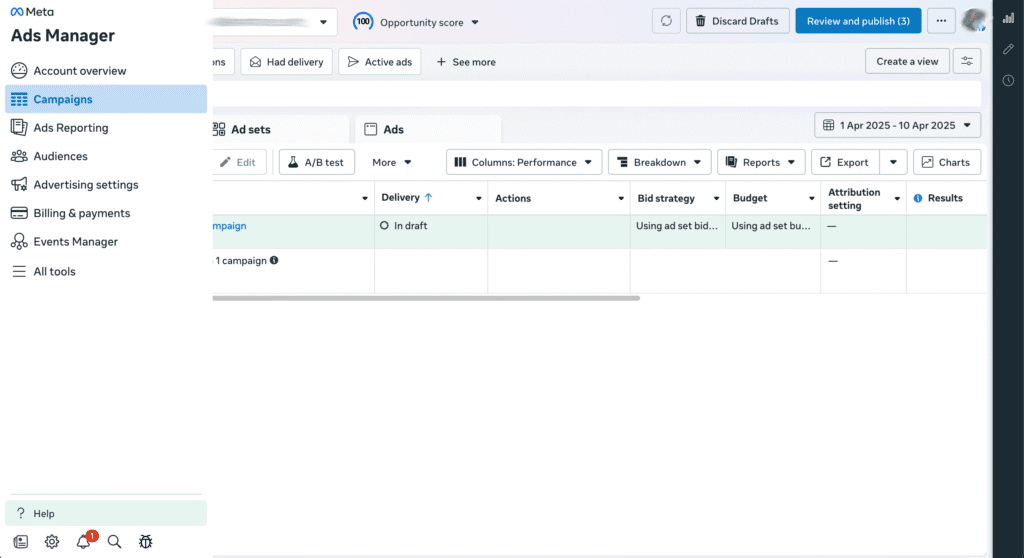
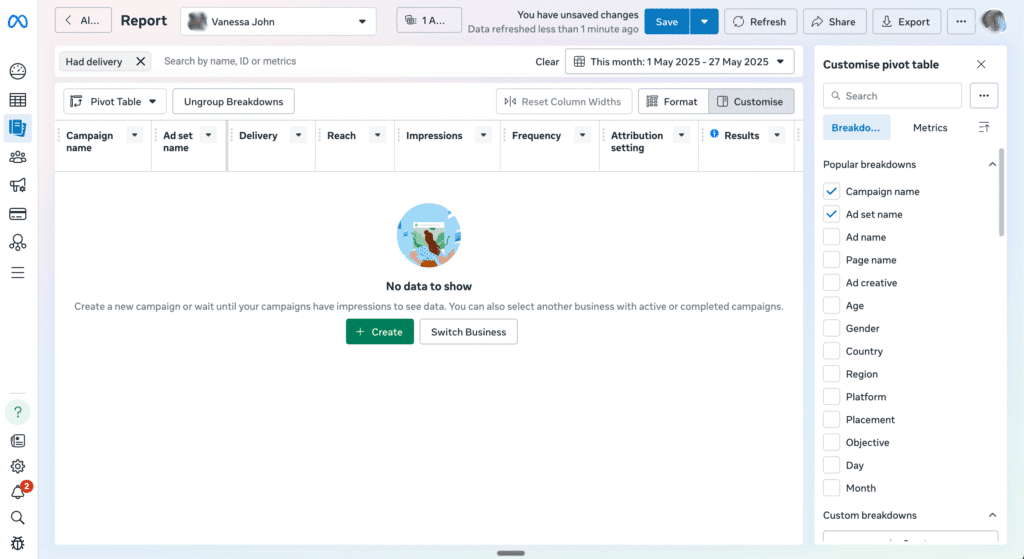
At this stage, you configure:
- Campaign name
- Advantage campaign budget (CBO)
- A/B testing (optional)
Budget Options:
- Daily budget
- Lifetime budget
💡 Beginners should start with a daily budget to test performance.
👥 Step 5: Audience Targeting (Ad Set Level)
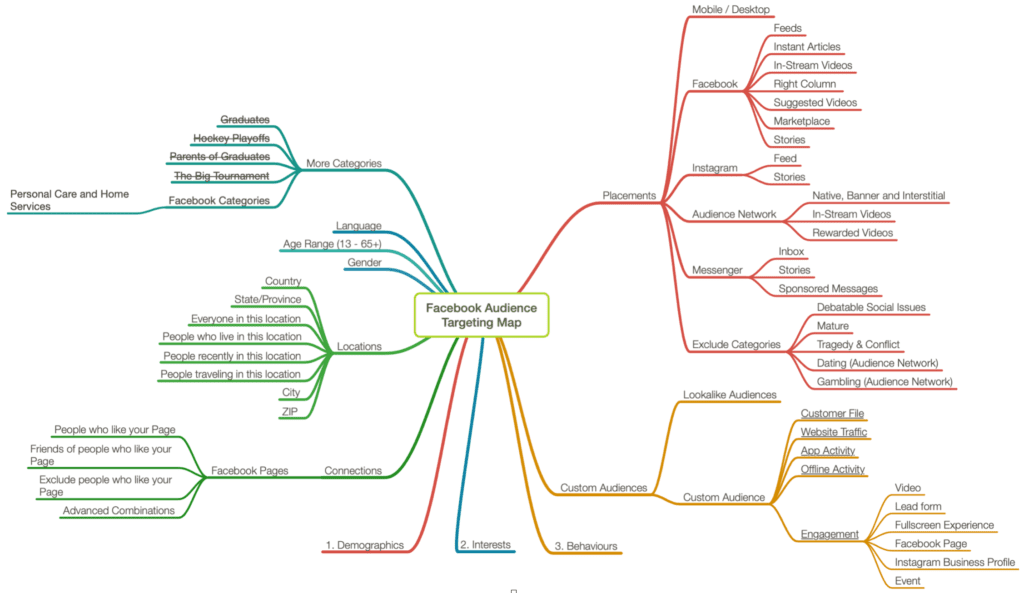
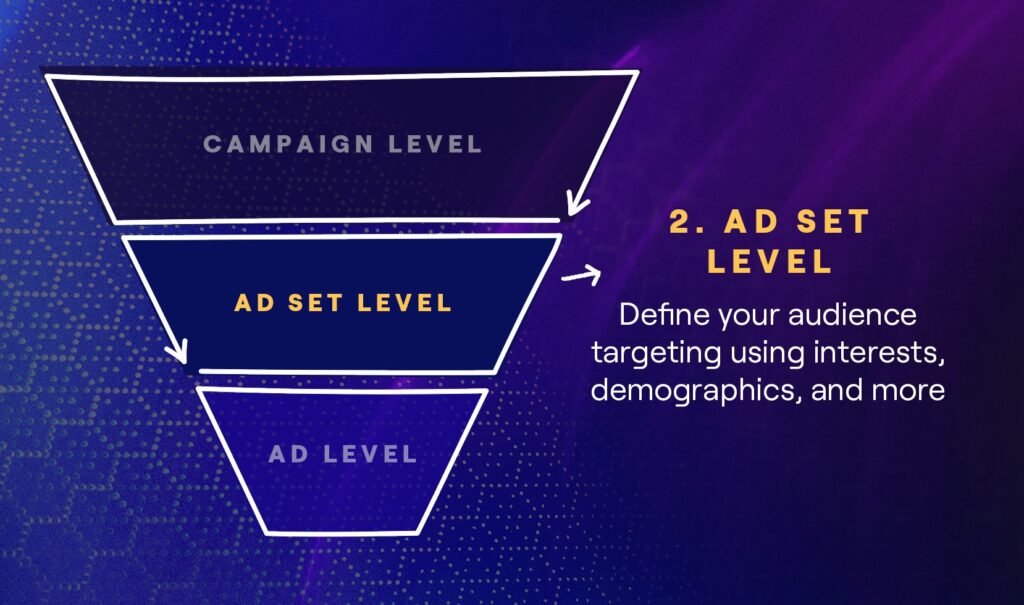
Audience targeting is the heart of how to run Facebook ads successfully.
Types of Facebook Audiences:
- Core Audience
- Age
- Gender
- Location
- Interests
- Custom Audience
- Website visitors
- Customer lists
- Video viewers
- Lookalike Audience
- Similar to your existing audience
📌 Example:
Target people aged 18–35 interested in “Digital Marketing” in India.
📍 Step 6: Choose Ad Placements
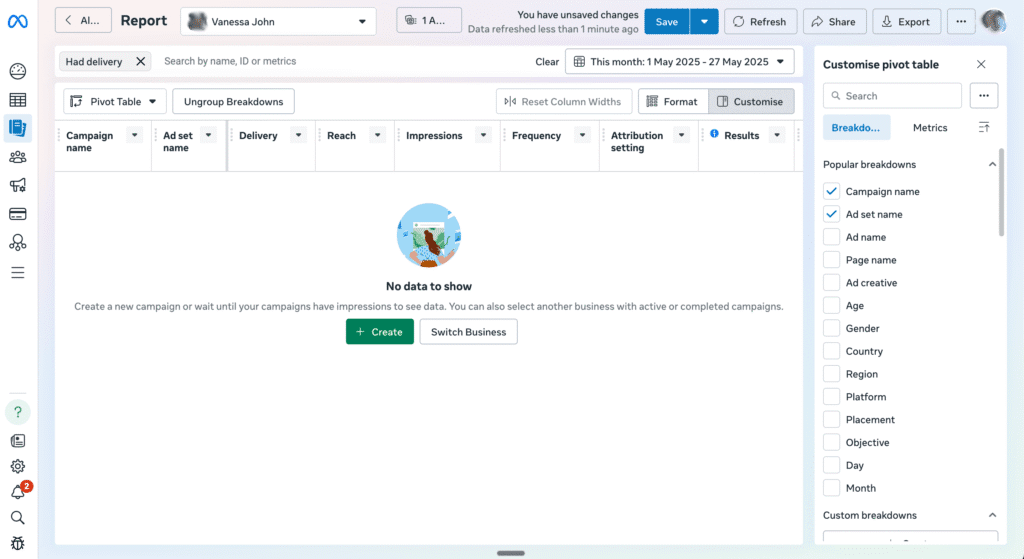
Placements decide where your ads appear.
Placement Options:
- Facebook Feed
- Instagram Feed
- Stories
- Reels
- Messenger
You can choose:
- Advantage+ placements (automatic)
- Manual placements
For beginners learning how to run Facebook ads, automatic placements are recommended.
💰 Step 7: Set Budget and Schedule
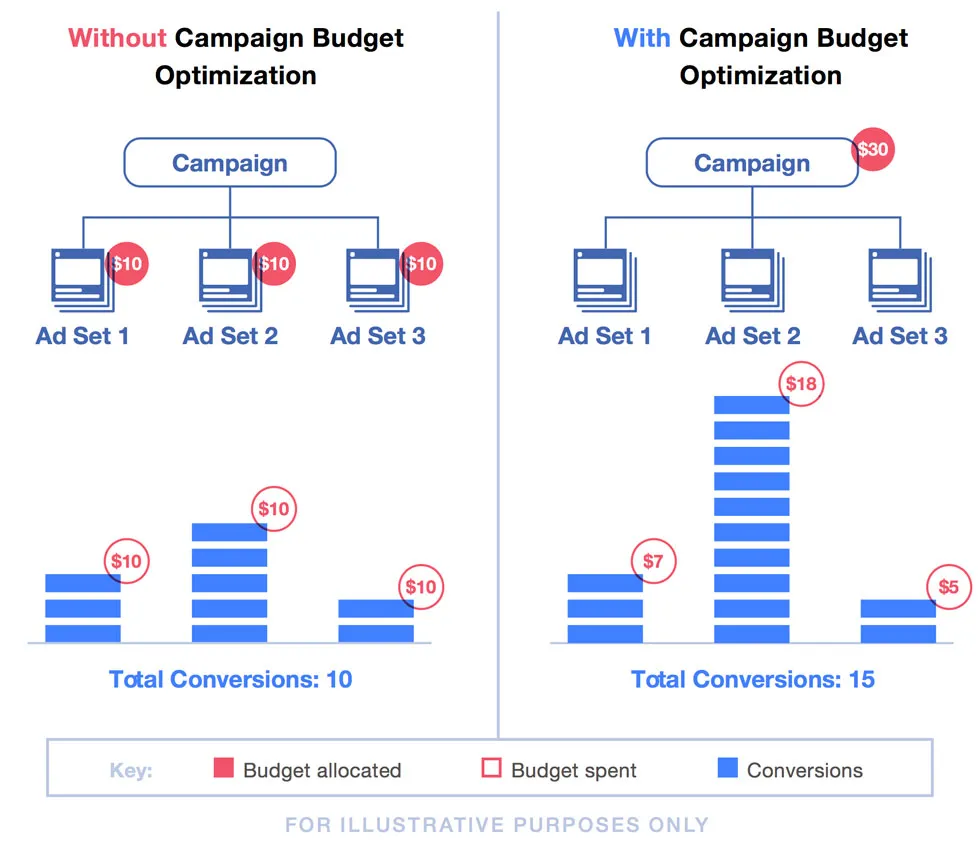
This step controls how much you spend and how long ads run.
Budget Tips:
- Start with ₹300–₹500/day
- Run ads for at least 5–7 days
- Avoid frequent budget changes
Consistency is key when mastering how to run Facebook ads.
🎨 Step 8: Create the Ad (Ad Level)
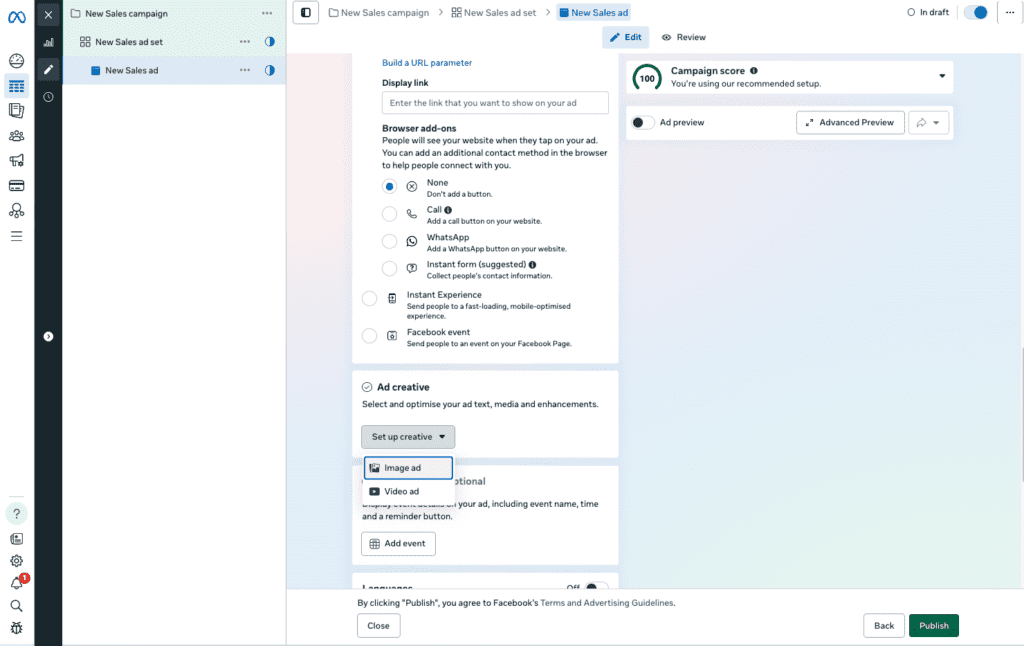
Now comes the creative part of uploading ads on Facebook.
Facebook Ad Formats:
- Image Ads
- Video Ads
- Carousel Ads
- Slideshow Ads
- Lead Ads
- Collection Ads
🖼 Image Ad Example
Image Alt Text (SEO):
how to run facebook ads image ad example
Best Practices:
- Use high-quality images
- Minimal text (less than 20%)
- Clear CTA (Call to Action)
🎬 Video Ad Best Practices
- 15–30 seconds length
- Captions included
- Vertical format for mobile
Videos perform extremely well when learning how to run Facebook ads for engagement and sales.
✍ Step 9: Write Ad Copy That Converts
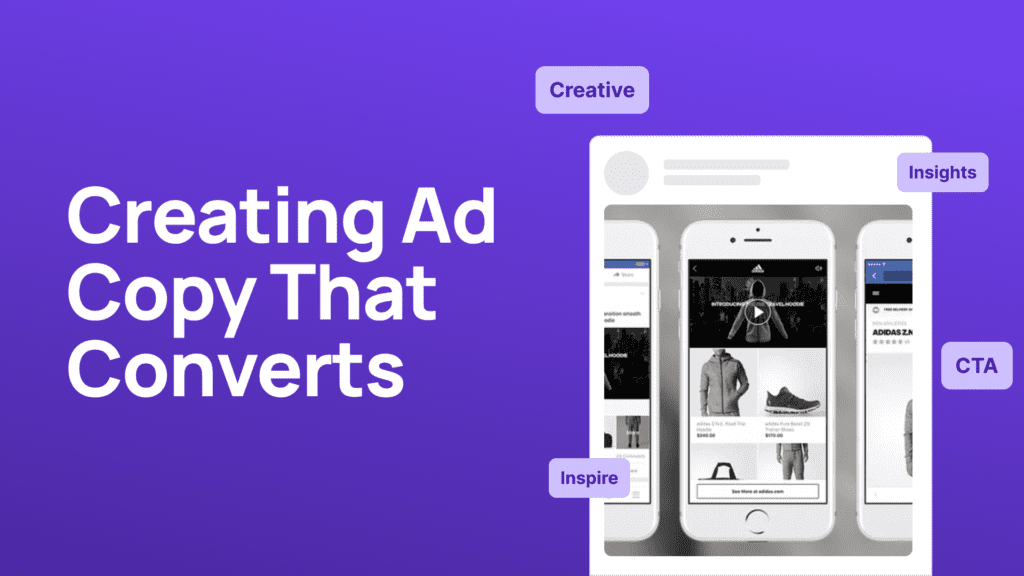
Your ad copy should be:
- Clear
- Benefit-focused
- Action-oriented
Example:
“Want to grow your business online? Learn how to run Facebook ads and reach your ideal customers today!”
🔗 Step 10: Add Destination URL & CTA
You can send users to:
- Website
- Lead Form
- App Store
Popular CTAs:
- Learn More
- Sign Up
- Shop Now
- Contact Us
🔍 Step 11: Review & Publish Your Facebook Ad
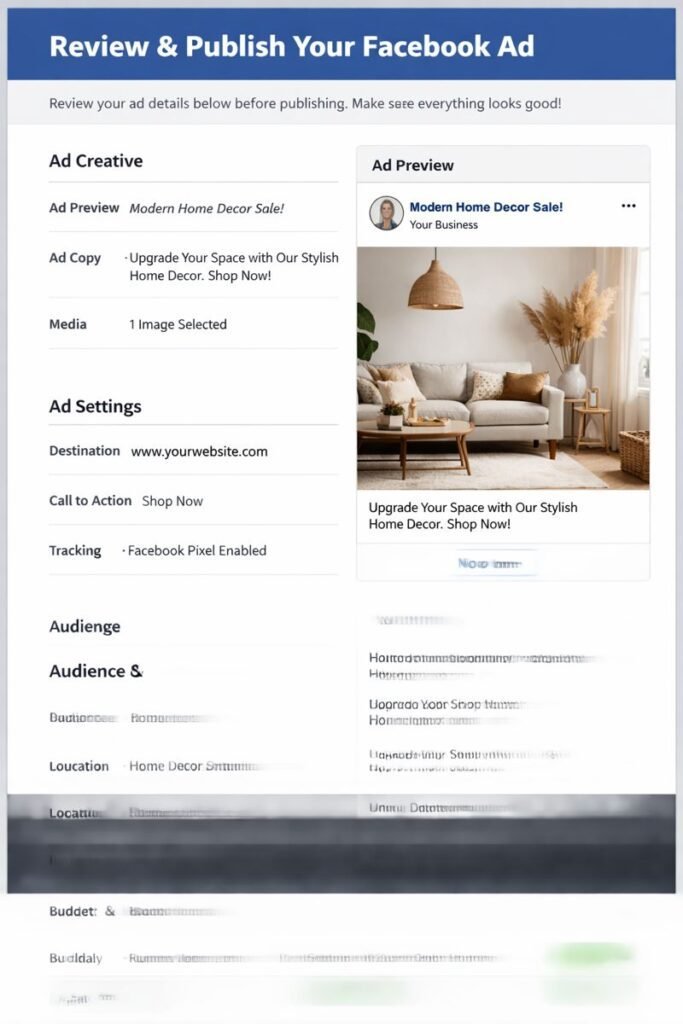
Before publishing:
- Check targeting
- Review budget
- Preview ads
Click Publish 🎉
Your ad goes under review (usually within 24 hours).
📊 Step 12: Track Performance Using Facebook Ads Manager
Tracking is essential to understand how to run Facebook ads profitably.
Key Metrics to Monitor:
- CTR (Click-Through Rate)
- CPC (Cost Per Click)
- CPA (Cost Per Action)
- ROAS (Return on Ad Spend)
Use Facebook Pixel for accurate conversion tracking.
Learn more here: https://www.facebook.com/business/help (DoFollow external link)
🔁 Step 13: Optimize and Scale Your Ads
Optimization includes:
- Testing creatives
- Improving targeting
- Scaling budgets gradually
- Pausing low-performing ads
This is the final step in mastering how to run Facebook ads professionally.
❌ Common Mistakes to Avoid
- Targeting too broad audience
- Changing ads too frequently
- Ignoring ad creatives
- Not using Facebook Pixel
Avoiding these mistakes improves your success rate when learning how to upload ads on Facebook.
✅ Conclusion: Mastering How to Run Facebook Ads
Understanding how to run Facebook ads is a must-have skill for any digital marketer or business owner in 2025. From creating a Business Manager account to uploading ads, targeting audiences, setting budgets, and optimizing campaigns, every step plays a crucial role in ad success.
With proper planning, creative content, and data-driven optimization, Facebook advertising can deliver consistent leads, sales, and brand growth.
Start small, test wisely, and scale strategically — that’s the real secret behind how to run Facebook ads successfully.

Related Posts
One thought on “📘 How to Run Facebook Ads: Complete Process to Upload Ads on Facebook (Step-by-Step Guide)”